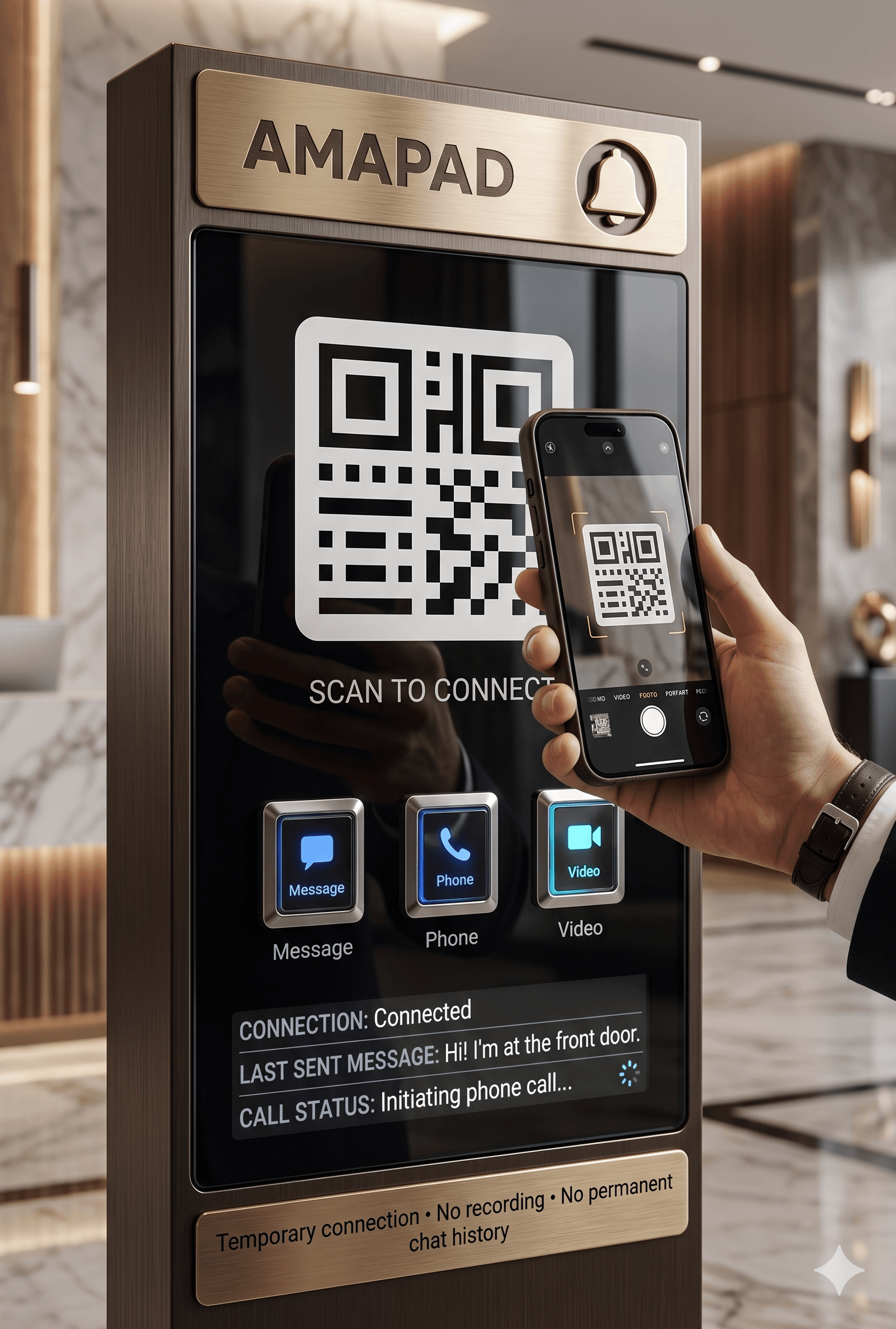
One QR forMessage,Phone, andVideo.
AMAPAD generates direct, temporary browser-based connections from a single QR scan. Connect instantly with visitors for private messaging, voice, or video calls, completely app-free.
Designed for:
Private. Temporary. Browser-based.
Calls and messages run as temporary browser sessions. We do not store recordings, transcripts, or chat history.
No App. No Accounts.
Visitors do not download anything or create an account.
Works Worldwide.
Any device, any browser, anytime.
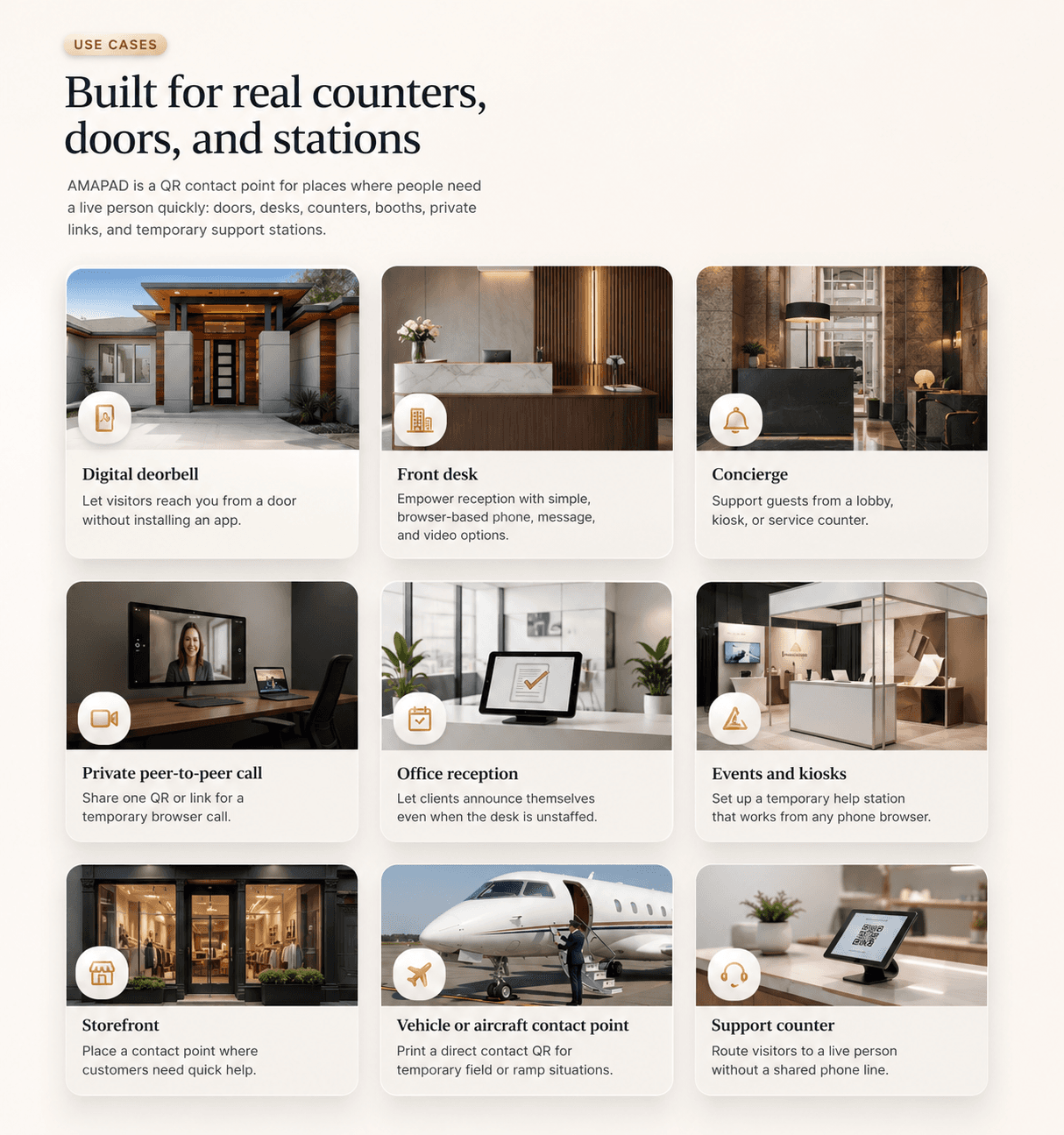
Built for real counters, doors, and stations
AMAPAD is a QR contact point for places where people need a live person quickly: doors, desks, counters, booths, private links, and temporary support stations.
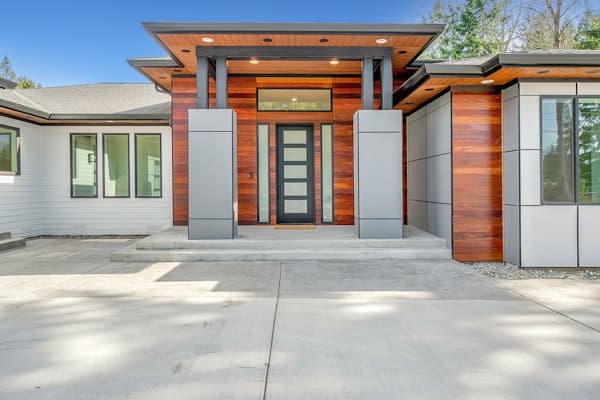
- Digital doorbell: Let visitors reach you from a door without installing an app.
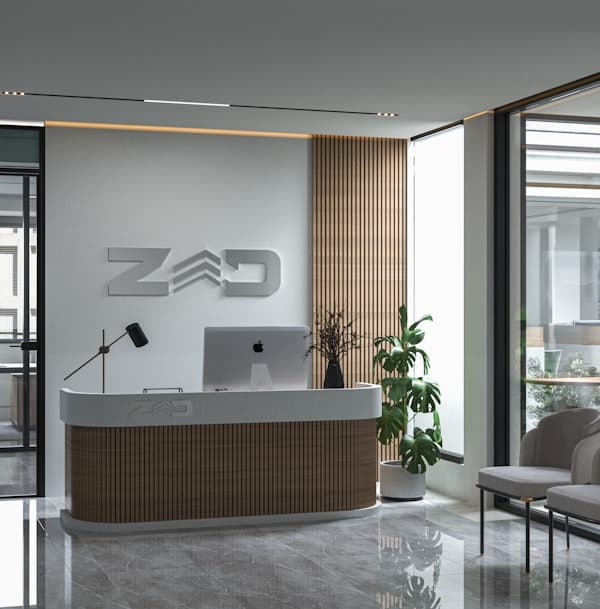
- Front desk: Empower reception with simple, browser-based phone, message, and video options.
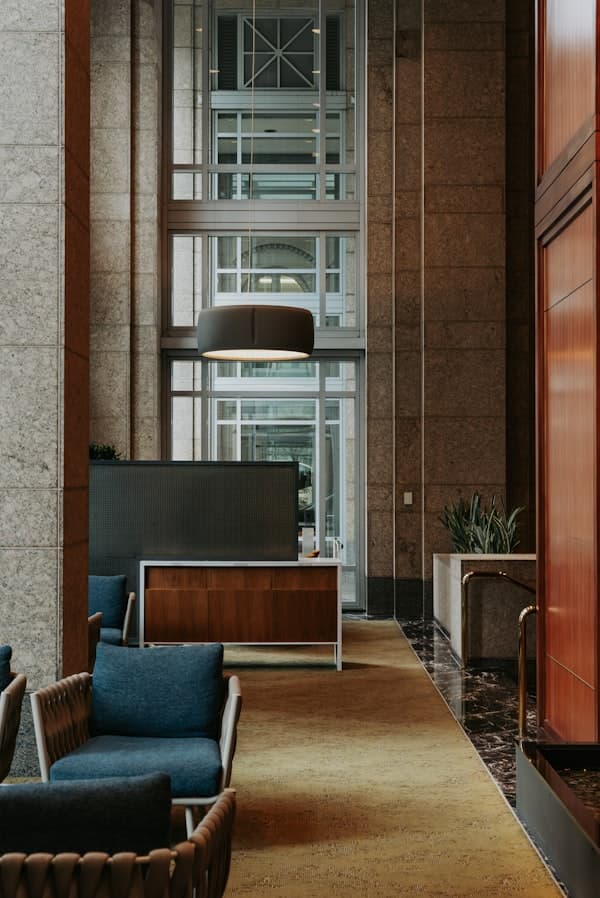
- Concierge: Support guests from a lobby, kiosk, or service counter.
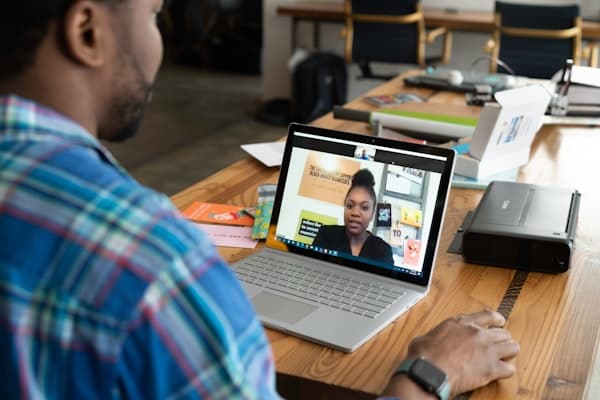
- Private peer-to-peer call: Share one QR or link for a temporary browser call.
- Office reception: Let clients announce themselves even when the desk is unstaffed.
- Events and kiosks: Set up a temporary help station that works from any phone browser.
- Storefront: Place a contact point where customers need quick help.
- Vehicle or aircraft contact point: Print a direct contact QR for temporary field or ramp situations.
- Support counter: Route visitors to a live person without a shared phone line.
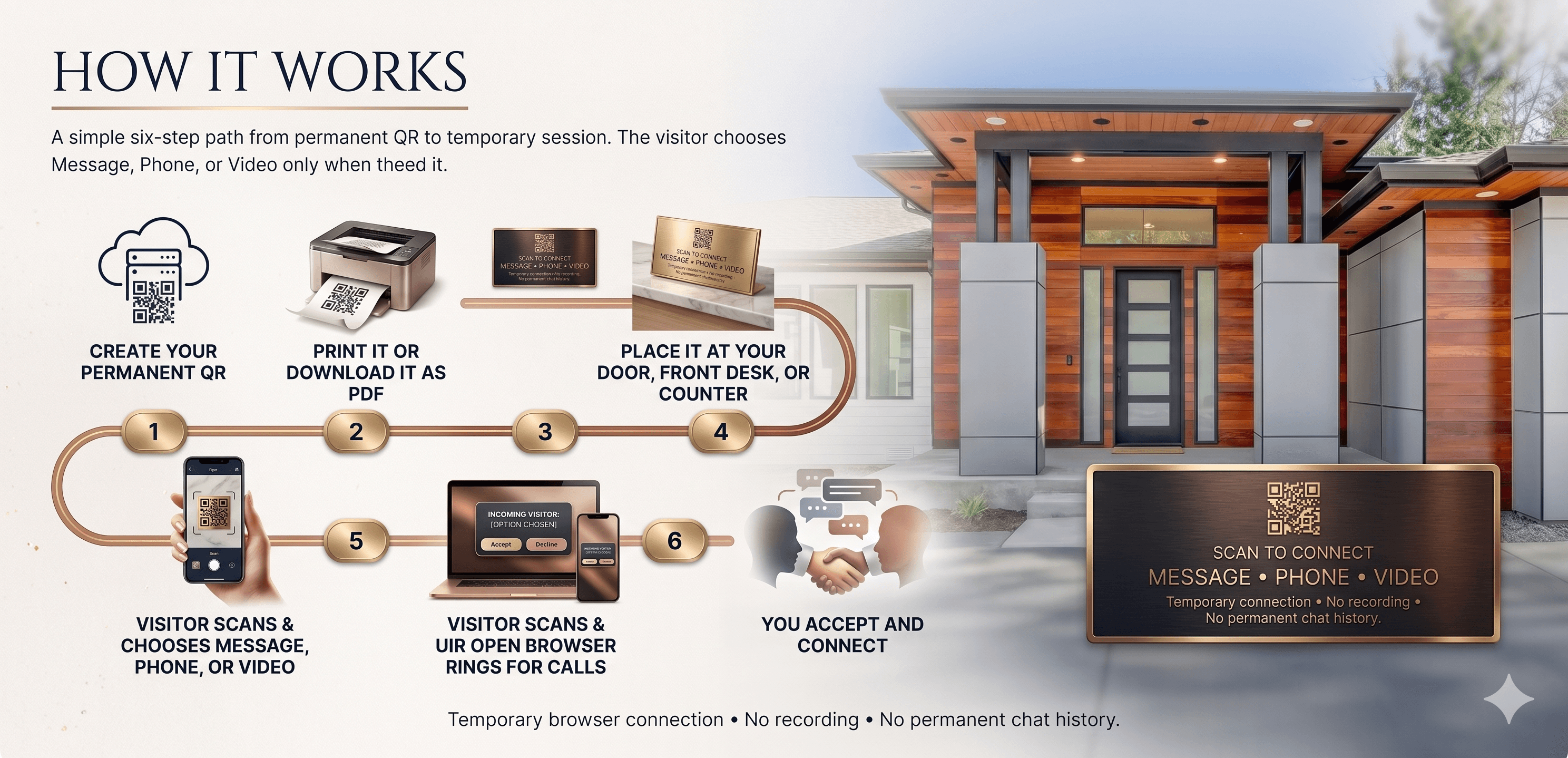
How It Works
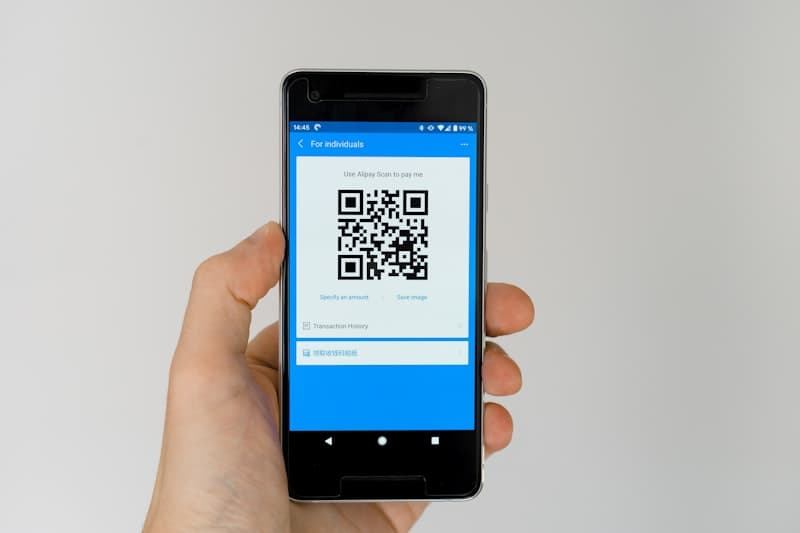
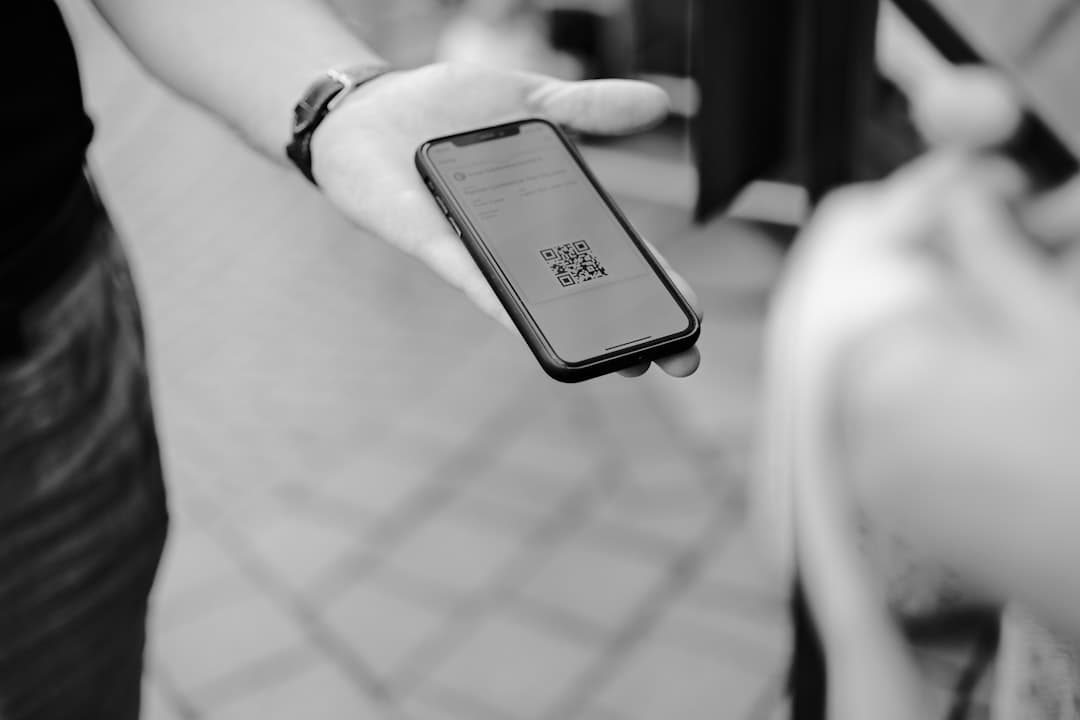
Create your permanent QR, print it or download it as PDF, place it at your door, front desk, or counter, let visitors scan and choose Message, Phone, or Video, then accept and connect.
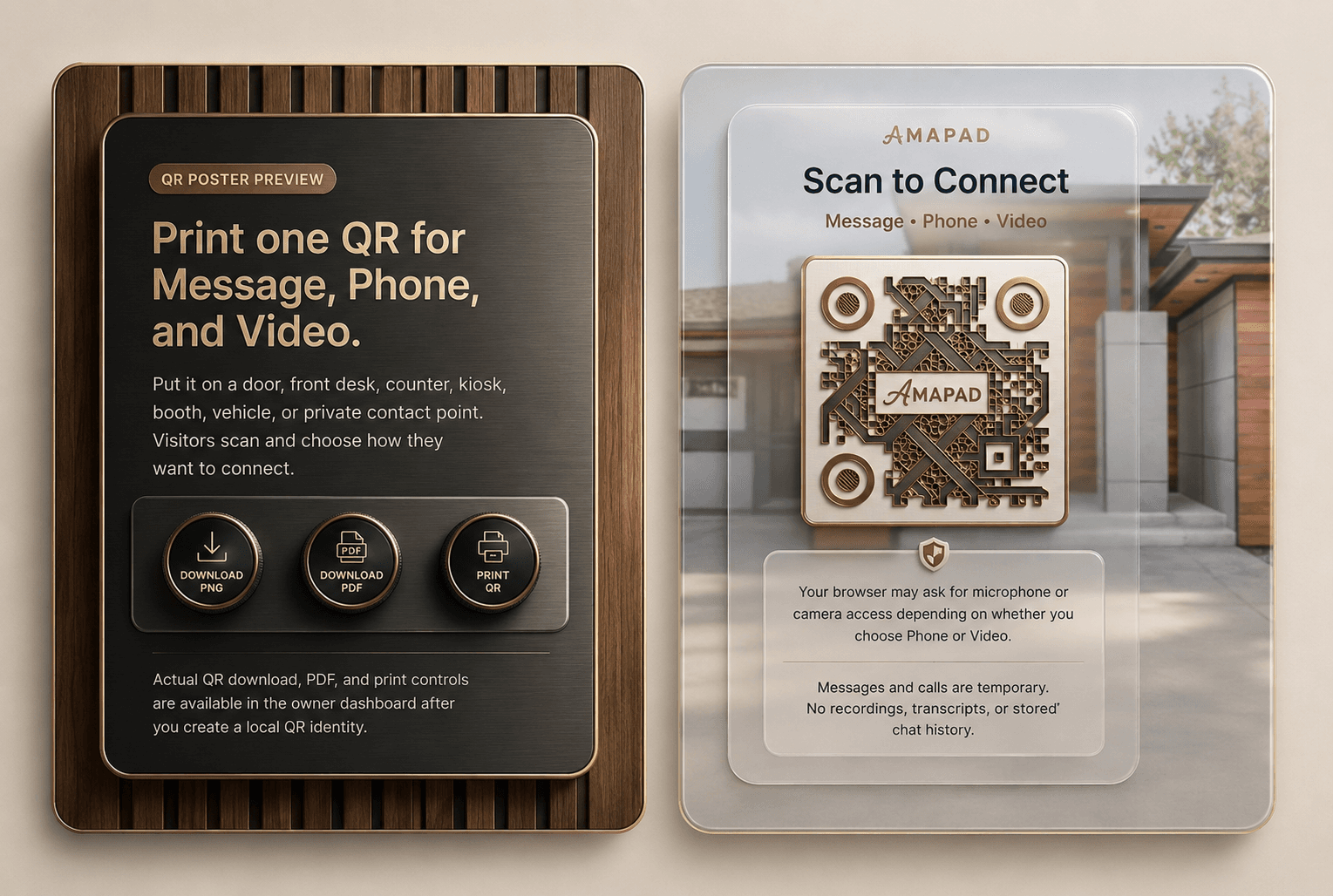
Print one QR for Message, Phone, and Video.
Actual QR download, PDF, and print controls are available in the owner dashboard after you create a local QR identity.
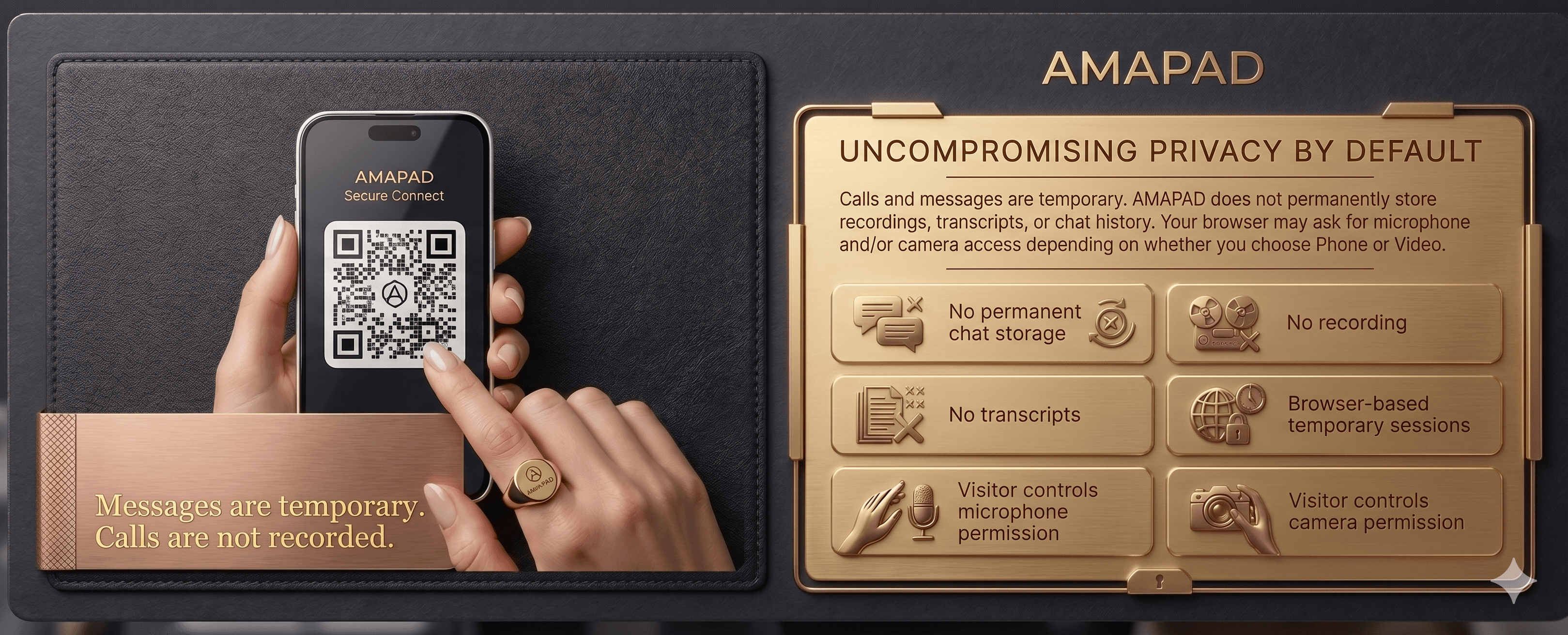
Calls and messages are temporary. AMAPAD does not permanently store recordings, transcripts, or chat history. Your browser may ask for microphone and/or camera access depending on whether you choose Phone or Video.
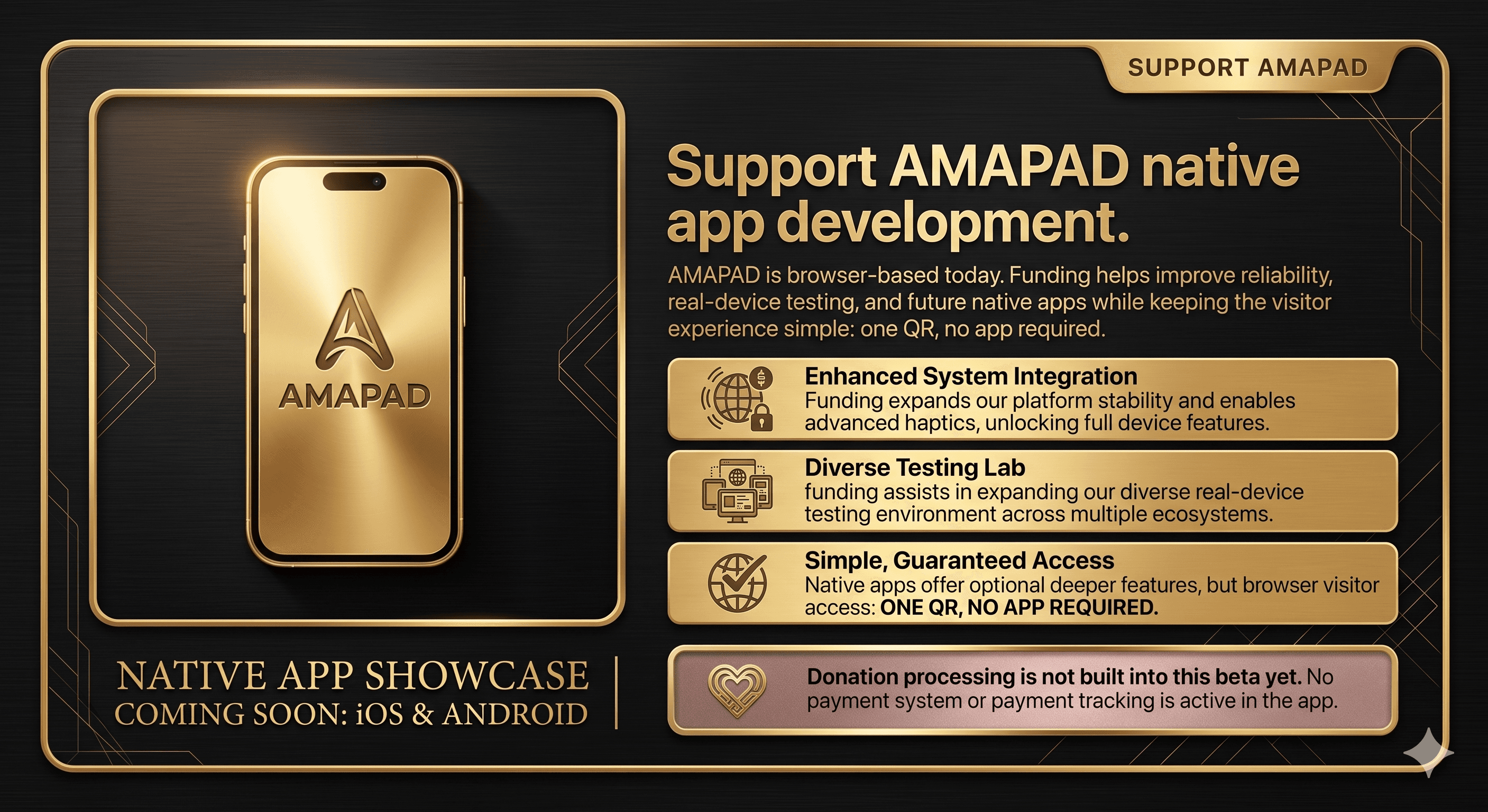
Support AMAPAD
Help us build the iOS and Android apps.
AMAPAD is browser-based today. Funding helps improve reliability, real-device testing, and future native apps while keeping the visitor experience simple: one QR, no app required.
FAQ
Short answers for people deciding where to place an AMAPAD QR.
Do visitors need an app?
No. Visitors scan your QR code and use their browser. They do not need an account.
Can this be used beyond a doorbell?
Yes. AMAPAD works for front desks, reception areas, support counters, private peer-to-peer call links, event booths, vehicles, aircraft contact points, and temporary stations.
Does AMAPAD store calls or chats?
No. Calls and messages are temporary. AMAPAD does not permanently store recordings, transcripts, or chat history.
Are iOS and Android apps available?
Not yet. The current beta is browser-based. Native iOS and Android apps are planned when funding allows.
Coming later: website embeds and API integrations.
The current beta stays focused on reliable two-person QR messaging, phone calls, and video calls.